
Appearance
CV - Sequencing
Step sequencers and pattern generators.
Understanding Sequencer Timing
Before diving into the individual nodes, it's important to understand how sequencers get their timing. Every sequencer needs to know "where are we in time?" This comes from a transport source, which you choose in the sequencer's settings:
| Mode | What it does | When to use it |
|---|---|---|
| Internal | The sequencer runs its own clock at the BPM you set. Has its own Play/Stop buttons | When you want the sequencer to run independently |
| Transport (DAW) | Reads the BPM and position from your DAW's transport | When you want everything synced to your DAW's play button and tempo |
| External Position | Receives a PPQ position value on the Position input pin | When you want to drive the sequencer from the Transport node or another source |
| External Phase | Receives a 0-to-1 ramp on the Phase input pin | When you want precise CV-driven timing from an LFO or Phase node |
Syncing multiple sequencers together
To keep several sequencers perfectly in sync, connect them to the same timing source:
Using DAW transport (simplest): Set all sequencers to "Transport (DAW)" mode. They will all follow your DAW's play/stop and tempo automatically.
Using the Transport node: Add a Transport node and connect its Position output to the Position input of each sequencer. Set all sequencers to "External Position" mode.
Using a Phase source (most precise for CV): Use an LFO or Phase node set to your desired rate. Connect its output to the Phase input of all sequencers. Set them all to "External Phase" mode. In this mode, Cycle and Swing controls are disabled because the phase signal already determines the timing.
Slider Sequencer
A step sequencer where each step has a slider that sets its CV output value. Perfect for creating melodic sequences, parameter automation patterns, or any repeating value sequence.
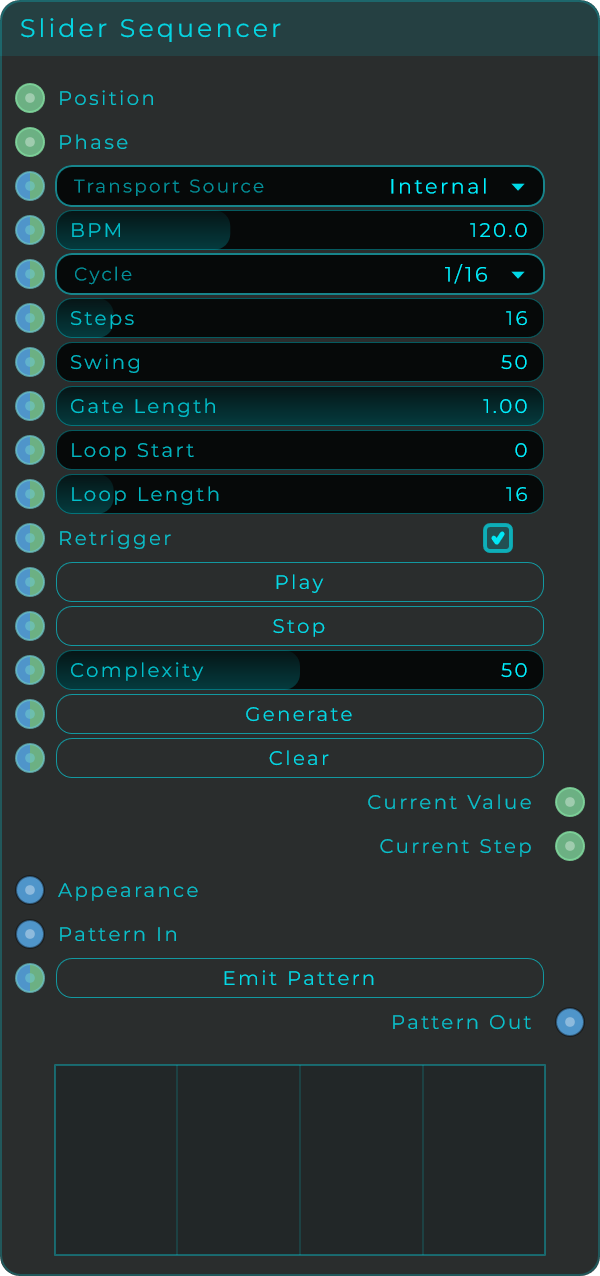
Parameters
| Parameter | Range | Default | Description |
|---|---|---|---|
| Transport Source | Choice | Internal | How the sequencer gets its timing (see above) |
| BPM | 20 - 300 | 120 | Tempo. Only active in Internal mode |
| Cycle | Choice | — | Step rate / note subdivision (1/4, 1/8, 1/16, etc.) |
| Swing | 50 - 99% | 50% | Swing feel. 50% = straight, higher = more swing |
| Gate Length | 0.0 - 1.0 | — | How long the gate stays open within each step |
| Steps | 1 - 128 | — | Number of steps in the pattern |
| Loop Start | — | — | First step of the loop region |
| Loop Length | — | — | Number of steps in the loop |
| Play / Stop | Events | — | Transport controls (Internal mode only) |
| Generate | Event | — | Randomize the pattern |
| Complexity | 0 - 100% | — | Controls how complex the random generation is |
| Clear | Event | — | Reset all steps to zero |
Inputs
- Position (Data/CV): PPQ position from a Transport node or other source
- Phase (Data/CV): 0-1 ramp for External Phase mode
Outputs
- Current Value (CV): The value of the current step (0 to 1)
- Current Step (CV): The step number (0, 1, 2, ...)
Toggle Sequencer
A step sequencer where each step is either on or off. Creates rhythmic gate patterns. Great for drum patterns, rhythmic effects, or trigger sequences.
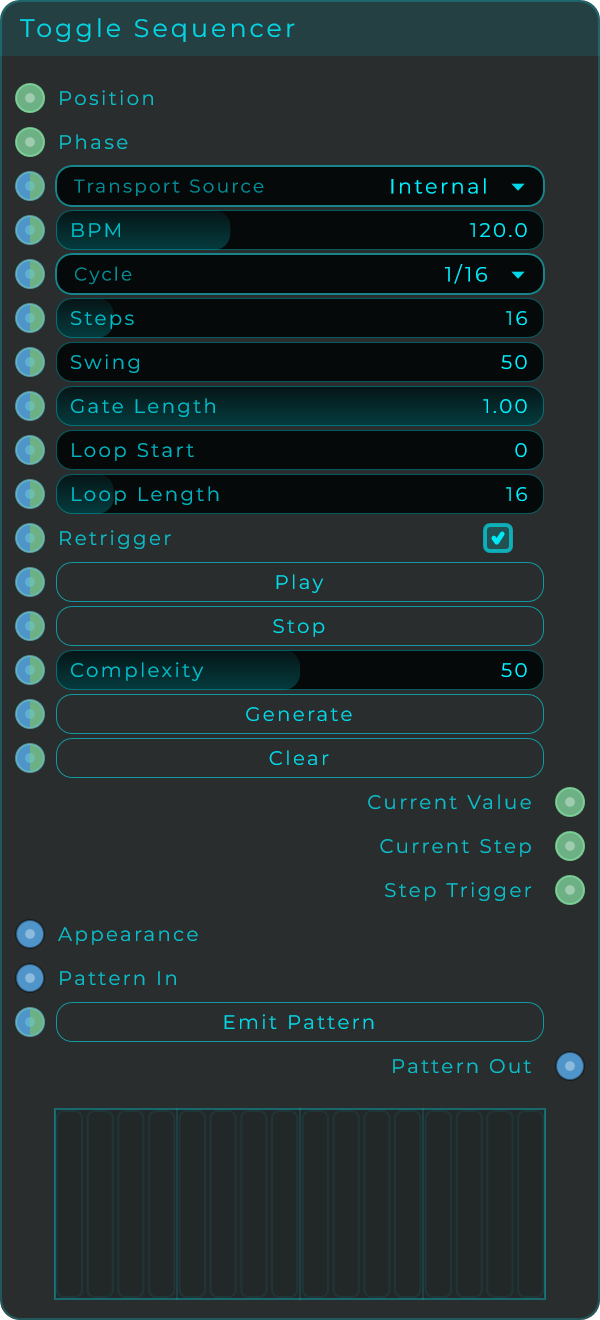
Same parameters as Slider Sequencer, but each step is a toggle (on/off) instead of a slider value.
Outputs
- Current Value (CV): 1 when the current step is on, 0 when off
- Current Step (CV): The step number
- Step Trigger (CV): A short pulse at each step boundary
Phase To Step
Converts a continuous 0-to-1 phase ramp into discrete steps with swing, gate, and trigger outputs. This is a lower-level building block that the Slider and Toggle Sequencers use internally, but you can also use it on its own to build custom sequencing systems.
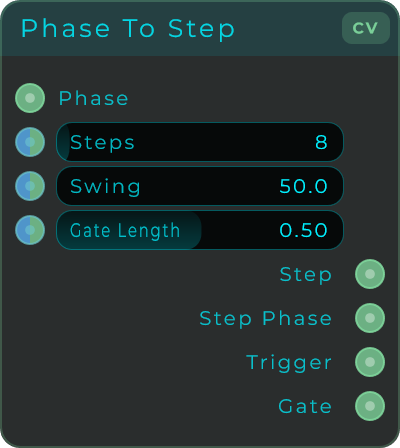
| Parameter | Range | Default | Description |
|---|---|---|---|
| Steps | 2 - 128 | 8 | Number of steps in one cycle |
| Swing | 50 - 99% | 50% | Swing amount |
| Gate Length | 0.0 - 0.99 | 0.5 | Duration of the gate as a fraction of the step |
How to use it
- Connect a 0-to-1 ramp to the Phase input (from an LFO SawUp, a Phase node, or a Clock's Phase output)
- The node divides that ramp into the number of steps you set
- Use the outputs to drive other nodes
Inputs
- Phase (CV): A 0-to-1 ramp signal. Each complete cycle of the ramp = one full pass through all steps
Outputs
- Step (CV): Current step number (0, 1, 2, ... N-1)
- Step Phase (CV): Progress within the current step (0 to 1). Useful for creating per-step envelopes
- Trigger (CV): Short pulse at the start of each new step
- Gate (CV): High for the first portion of each step (controlled by Gate Length), low for the rest
CV Step Value
Stores values at specific indices. Like a lookup table that you can read from with a step number.
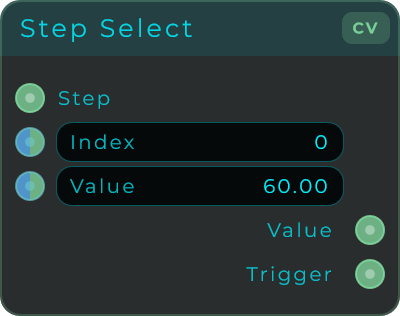
| Parameter | Range | Default | Description |
|---|---|---|---|
| Index | 0 - 15 | 0 | Which slot to read/write |
| Value | unbounded | 0.0 | The value stored at this index |
Input: Step number Outputs: Value at that step, Trigger
CV Sample & Hold
Captures whatever value is at the input the moment it receives a trigger, and holds that value until the next trigger arrives. Classic sample-and-hold circuit.
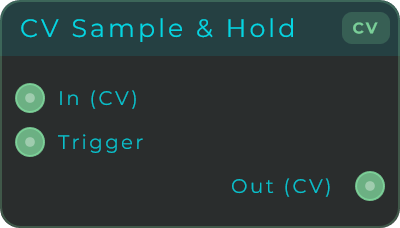
Inputs: CV (the signal to sample), Trigger (when to take a snapshot) Output: The held value (stays constant between triggers)
A common use: connect noise or a random source to the CV input and a clock to the trigger. You get a new random value on every beat.
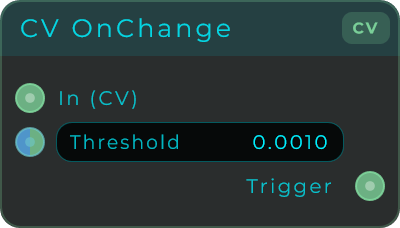
CV On Change
Fires a trigger only when the input value changes by more than a threshold. Useful for filtering out repeated values or detecting when something actually moves.
| Parameter | Range | Default | Description |
|---|---|---|---|
| Threshold | 0.0 - 1.0 | 0.001 | Minimum change required to fire. Increase this to ignore small fluctuations |
Input: CV signal Output: Trigger (fires when value changes beyond threshold)