Appearance
Generators & Samplers
Sound sources that go beyond simple waveform oscillators. These nodes generate sound through synthesis models, sample playback, or physical modeling.
Sampler
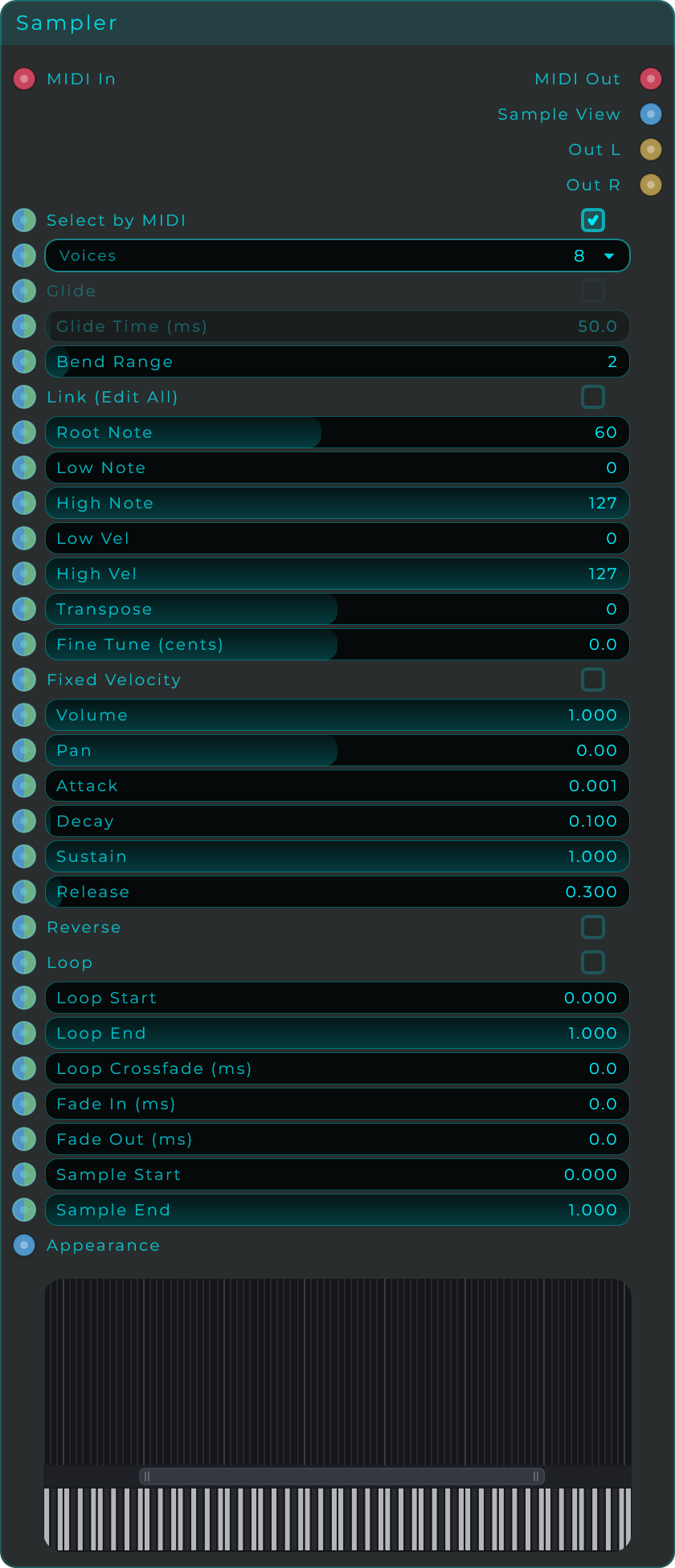
A full-featured sample playback instrument. Load audio files, map them across the keyboard into zones, and play them polyphonically via MIDI. Each zone has its own pitch, volume, panning, envelope, loop, and playback settings.
How to use the Sampler
- Add a Sampler node to your graph
- Connect a MIDI source (MIDI In or MIDI Keyboard) to the Sampler's MIDI In pin
- Connect the Sampler's Out L and Out R to Audio Out
- Drag audio files (WAV, AIFF, FLAC) directly onto the Sampler's visual keyboard to create sample zones
- Each zone maps a sample to a range of notes and velocities
- Play your MIDI controller to trigger the samples
Sampler Parameters
| Parameter | Range | Default | Description |
|---|---|---|---|
| Voices | 0 - 15 | 8 | Maximum number of notes that can play at the same time |
| Glide | On/Off | Off | Smoothly slide pitch between consecutive notes |
| Glide Time | 1 - 5,000 ms | — | How long the pitch slide takes |
| Bend Range | 0 - 48 semitones | — | How far the MIDI pitch bend wheel affects the pitch |
Per-Zone Parameters
Each sample zone has its own individual settings:
| Parameter | Description |
|---|---|
| Root Note | The MIDI note at which the sample plays at its original, unaltered pitch |
| Low Note / High Note | The range of keyboard notes this zone responds to |
| Low Vel / High Vel | The velocity range this zone responds to. Use this for velocity-layered instruments |
| Transpose | Shift the pitch up or down in semitones |
| Fine Tune | Fine pitch adjustment in cents |
| Volume | Zone volume level |
| Pan | Stereo position of this zone |
| Attack | How quickly the sound reaches full volume after a note is played |
| Decay | How quickly the sound drops from full volume to the sustain level |
| Sustain | The volume level maintained while the note is held |
| Release | How quickly the sound fades out after the note is released |
| Fade In / Fade Out | Smooth volume fades at the start and end of the sample |
| Sample Start / Sample End | Define which part of the audio file to play (0 = beginning, 1 = end) |
| Loop Start / Loop End | Define the region that loops while the note is held |
| Loop Xfade | Crossfade length at the loop point (in ms) for seamless looping |
| Loop On | Enable or disable looping for this zone |
| Reverse | Play the sample backwards |
Using Sample View with the Sampler
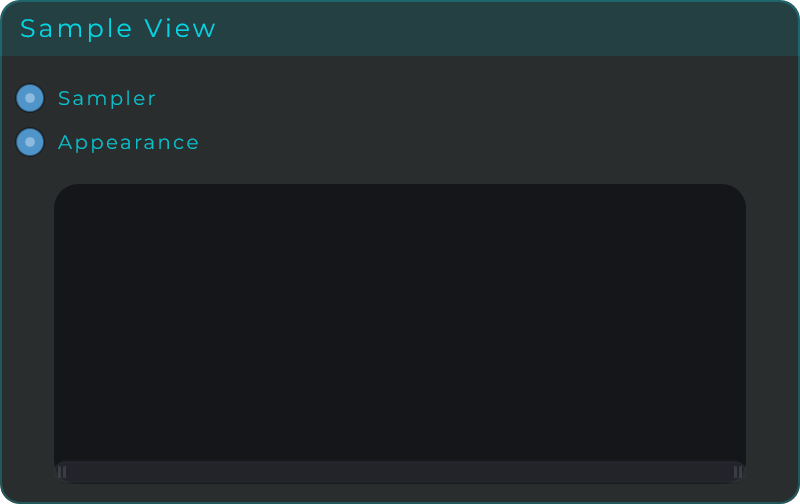
To see the waveform of your samples, add a Sample View widget and connect the Sampler's View Out pin to the Sample View's Sampler input. The Sample View will display the waveform, loop points, playhead, and fade regions of whichever sample is currently selected.
Supported Audio Formats
WAV, AIFF, FLAC
Drum Synth
Synthesizes drum sounds from scratch (no samples needed). Choose from four drum types and shape the sound with pitch, decay, tone, and drive controls. Trigger it with a MIDI note, an Event, or a CV trigger.
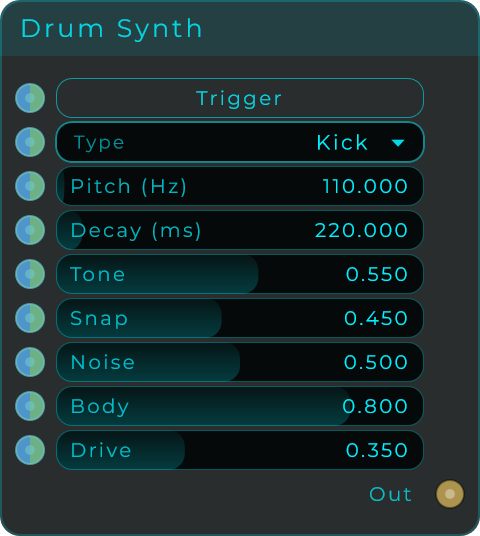
| Parameter | Range | Default | Description |
|---|---|---|---|
| Trigger | Event | — | Fires the drum sound |
| Type | Kick, Snare, Hat, Tom | Kick | The type of drum to synthesize |
| Pitch | 20 - 4,000 Hz | 110 Hz | Base pitch of the drum |
| Decay | 5 - 3,000 ms | 220 ms | How long the drum sound rings out |
| Tone | 0.0 - 1.0 | 0.55 | Brightness of the sound |
| Snap | 0.0 - 1.0 | 0.45 | The sharp "click" at the very start. Higher = more punch |
| Noise | 0.0 - 1.0 | 0.50 | Amount of noise mixed in (useful for snares and hi-hats) |
| Body | 0.0 - 1.0 | 0.80 | Resonance and body of the drum |
| Drive | 0.0 - 1.0 | 0.35 | Saturation/distortion |
Karplus Strong
Physical modeling synthesis that simulates plucked strings. A short burst of noise is fed into a filtered feedback loop, creating realistic string-like sounds. Works great for guitar, harp, and bell sounds.
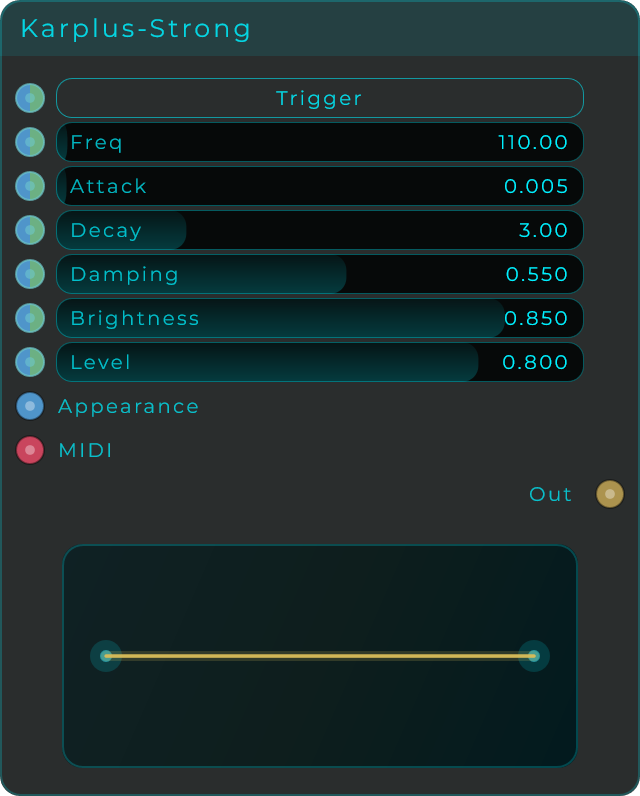
| Parameter | Range | Default | Description |
|---|---|---|---|
| Trigger | Event | — | Pluck the string |
| Freq | 24 - 4,000 Hz | 110 Hz | Pitch of the string |
| Attack | 0.0 - 0.25 | 0.0 | How gradually the pluck starts. 0 = instant pluck |
| Decay | 0.05 - 12.0 s | 1.0 s | How long the string rings. Longer = more sustain |
| Damping | 0.0 - 1.0 | 0.5 | High frequency absorption. Higher = duller, more like a nylon string |
| Brightness | 0.0 - 1.0 | 0.5 | Brightness of the initial pluck excitation |
| Level | 0.0 - 1.0 | 0.5 | Output volume |
| Voices | 1 - 16 | — | Polyphony (set in Inspector) |
Also accepts MIDI input for playing it like a pitched instrument.
Audio Player
Loads and plays audio files from disk. Use it for one-shots, loops, background tracks, or as a sound source to process with effects.
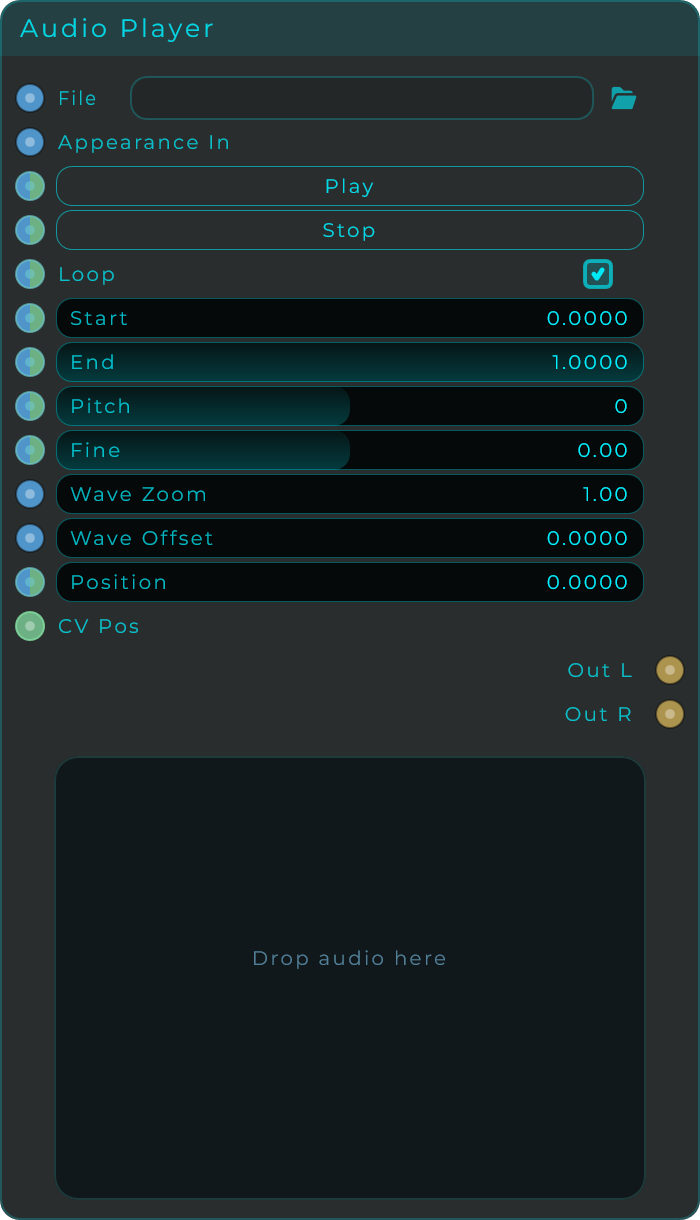
| Parameter | Range | Default | Description |
|---|---|---|---|
| File | File picker | — | Choose the audio file to play |
| Play | Event | — | Start playback |
| Stop | Event | — | Stop playback |
| Loop | On/Off | On | Repeat playback when reaching the end |
| Start | 0.0 - 1.0 | 0.0 | Playback start point (0 = beginning, 1 = end of file) |
| End | 0.0 - 1.0 | 1.0 | Playback end point |
| Pitch | -48 - +48 semitones | 0 | Pitch shift without changing speed |
| Fine | -100 - +100 cents | 0 | Fine pitch adjustment |
Outputs: Audio Out L, Audio Out R
Formant Synthesis
Generates vowel-like sounds using formant resonances. Features an animated face visualization that moves with the sound. Modulate the Vowel parameter to create talking or singing effects.
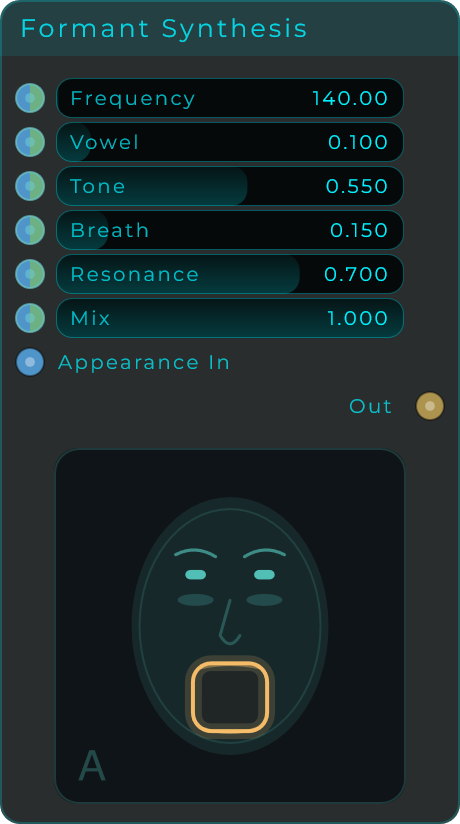
| Parameter | Range | Default | Description |
|---|---|---|---|
| Frequency | 0 - 20,000 Hz | 140 Hz | Fundamental pitch |
| Vowel | 0.0 - 1.0 | 0.1 | Smoothly morphs between vowels (A, E, I, O, U) |
| Tone | 0.0 - 1.0 | 0.55 | Brightness of the sound |
| Breath | 0.0 - 1.0 | 0.15 | Amount of breathy noise mixed in |
| Resonance | 0.0 - 1.0 | 0.7 | Sharpness of the formant peaks |
| Mix | 0.0 - 1.0 | 1.0 | Dry/wet balance |
Formant Filter
Like Formant Synthesis, but processes incoming audio instead of generating its own. Feed any sound into it and it will sound like it's being sung through vowels.
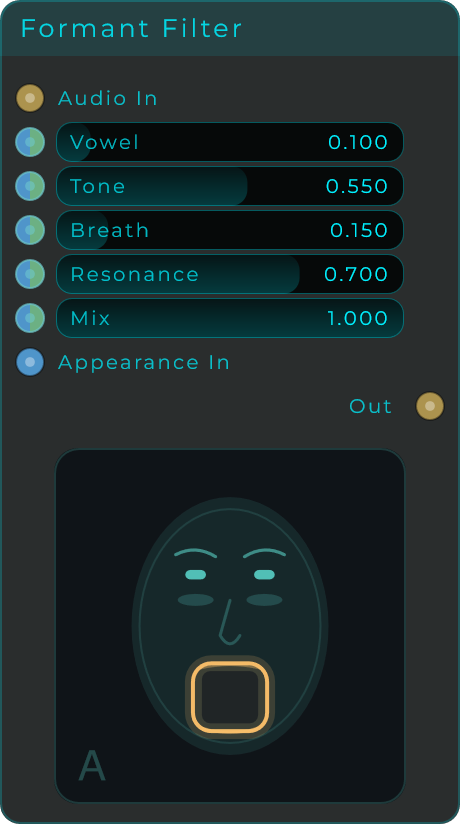
Input: Audio In Output: Filtered Audio Out
AM / Ring Mod
Amplitude Modulation and Ring Modulation. Multiplies two signals together. AM preserves the original pitch and adds sidebands. Ring Mod removes the original pitch for more extreme, metallic effects. Includes a built-in modulator oscillator so you don't need a separate one.
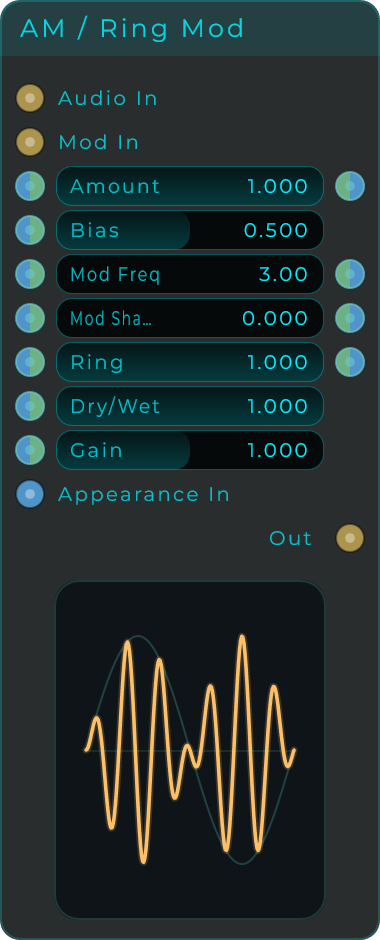
| Parameter | Range | Description |
|---|---|---|
| Amount | 0.0 - 1.0 | How much modulation is applied |
| Bias | — | Shifts between AM (with bias) and pure Ring Mod (no bias) |
| ModFreq | Hz | Frequency of the built-in modulator oscillator |
| ModShape | Choice | Waveform of the internal modulator |
| Ring | 0.0 - 1.0 | Balance between AM and Ring Mod character |
| Mix | 0.0 - 1.0 | Dry/wet balance |
| Gain | — | Output gain |
Inputs: Audio signal, external Modulator signal Output: Modulated Audio
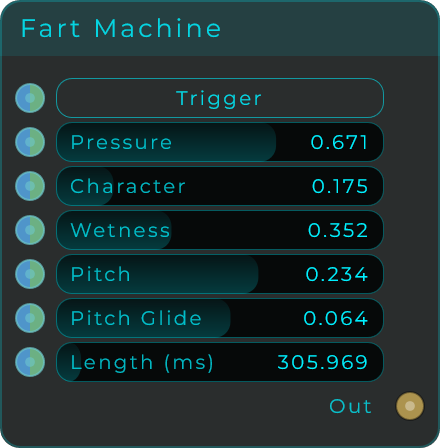
Fart Machine
A novelty sound generator. Have fun with it.