
Appearance
Utility Nodes
Helper nodes for organization, transport sync, and debugging.
Comment
A text box for adding notes and labels to your graph. Does not process any signal. Use comments to label sections of your patch, document signal flow, or leave notes for yourself.

Colour
Outputs a color value. Connect it to an Appearance Changer to dynamically change widget colors.
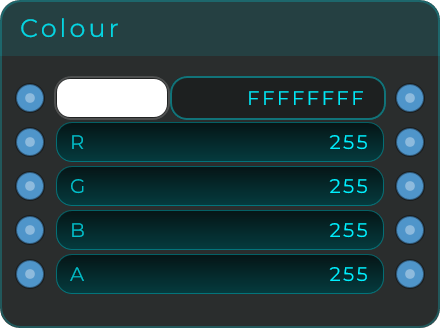
Output: Color value (Data)
Transport
Provides access to the DAW transport state. This is the main way to get timing information from your DAW into your MNodes patch.
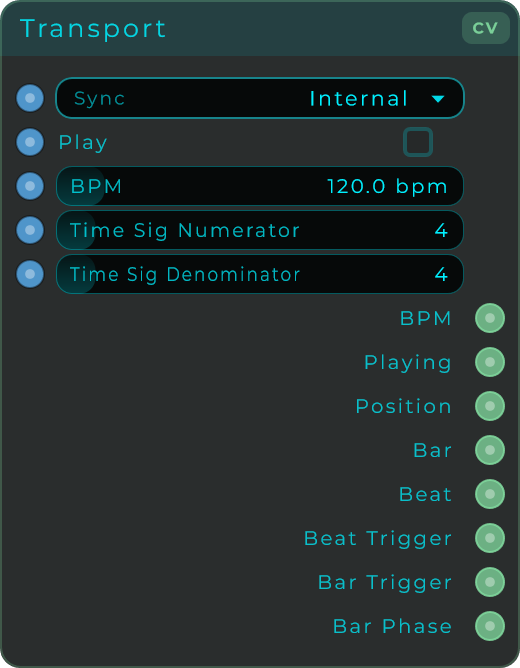
Outputs
| Output | Type | Description |
|---|---|---|
| Position | CV | Current playback position in PPQ (quarter notes). Use this to drive sequencers in "External Position" mode |
| BPM | CV | Current tempo in beats per minute |
| Playing | CV | 1 when the DAW is playing, 0 when stopped |
| Bar | Data | Current bar number |
| Beat | Data | Current beat within the bar |
| Beat Trigger | Data | Fires an event on every beat |
| Bar Trigger | Data | Fires an event at the start of every bar |
| Bar Phase | CV | 0-to-1 ramp within the current bar. Useful for bar-synced modulation |
Inputs
| Input | Type | Description |
|---|---|---|
| BPM | Data | Override the BPM (useful in standalone mode) |
| Play | Data | Control playback (standalone mode) |
| Time Sig Numerator | Data | Time signature top number (e.g., 4 in 4/4) |
| Time Sig Denominator | Data | Time signature bottom number (e.g., 4 in 4/4) |
In plugin mode, the Transport reads timing from your DAW automatically. In standalone mode, it uses its own internal clock and you can control the BPM and playback manually.
Using Transport with Sequencers
Connect the Transport's Position output to a sequencer's Position input, and set the sequencer to "External Position" mode. All connected sequencers will follow the DAW's transport perfectly.
Debug Print
Prints incoming values to the debug console. Invaluable for troubleshooting data flow. Connect any Data output to it to see what values are being sent.
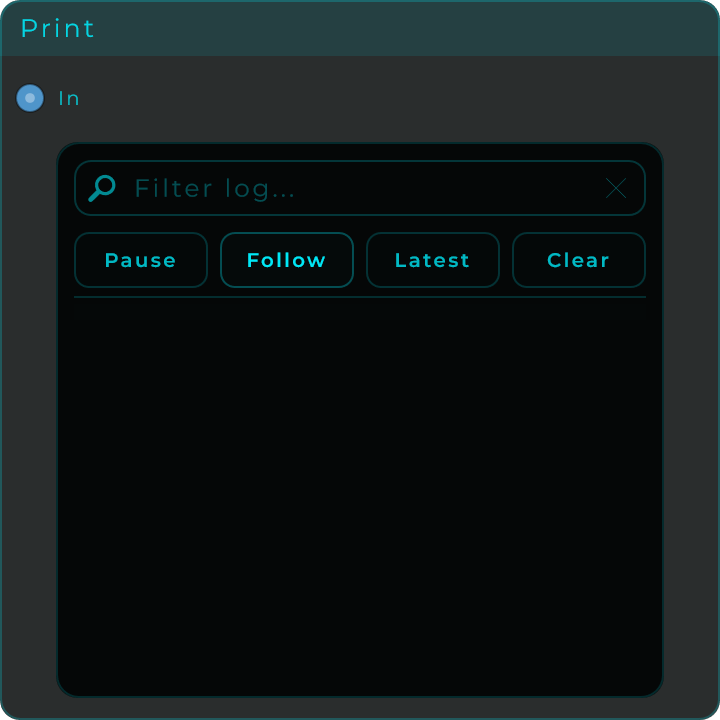
Input: Any Data value