
Appearance
Start with Scene
Needs MNodes 1.1.5 or newer
Scene and all of its nodes are new in MNodes 1.1.5. They do not exist in older versions, so a project that uses them will not work there until you update.
Scene is the place where your picture appears. Add a slider, a shape or a 3D object, then connect it to Scene to see it.
You can start without writing code. Available in MNodes 1.1.5.
Four words to know
| Word | What it means |
|---|---|
| Node | A box that does one job, such as making a slider. |
| Pin | A small connection circle on a node. |
| Cable | A line you drag between two pins. It passes something from one node to another. |
| Scene | The node that shows the finished picture. |
Inputs are on the left. Outputs are on the right. Start a cable at an output and drag it to the input that needs it.
Start here
Follow one lesson at a time. Each shows what to click, what to connect and what you should see.
| Lesson | Result |
|---|---|
| Before you start: pins and colours | Know which cable goes where. |
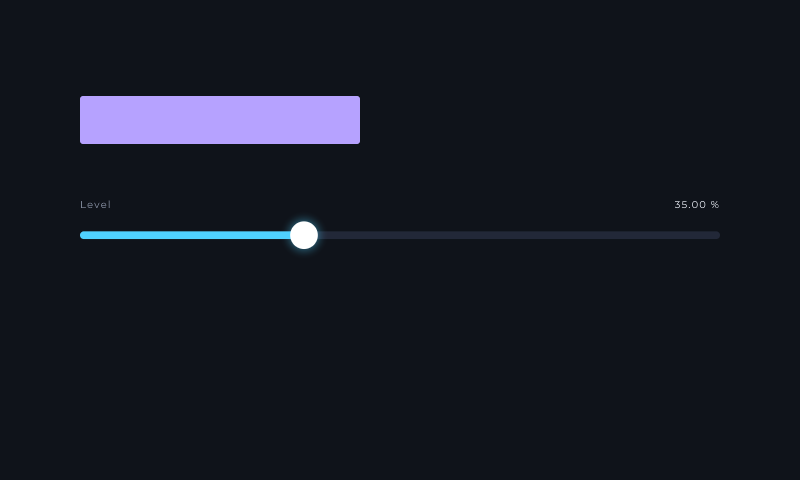
| 1. Make a slider | Move a slider and change a rectangle's width. No code. |
| 2. Make a custom mouse area | Use Scene Zone to define and see mouse areas without code. An optional shader example follows. |
| 3. Make a 3D object | Add a box, colour it and change its finish. No code. |
| 4. Try working examples | Watch Pong and a meter, then open their projects. |
How to add a node: work in Edit mode. Right-click empty graph space, search for the node's exact name, then choose it.
How to change a setting: select the node. Use its visible rows or open Inspector with Ctrl+I on Windows / Cmd+I on Mac. Double-click a number to type it.
How to use a lesson download: save your work, then choose File → Open and open the .mnprt file. These are complete small projects. Click a screenshot to enlarge it.
What should I use?
| I want… | Use… |
|---|---|
| A ready-to-play slider, knob or button | A Scene control node. |
| My own clickable or draggable area | Scene Zone → Scene Zones. Enable Show Zones to see its bounds. |
| A box, sphere or imported model | Shape / Model → 3D View → Scene. |
| Water, fire or a special background | Shader Code → Scene Code. |
| Objects created or changed by JavaScript | Script → Scene Objects. |
| A part I can reuse in another patch | A module or subgraph. |
A picture does not make sound on its own. Connect a control's Value to something that changes sound. Connect a piano's MIDI to an instrument.
After the first lessons
- Controls and automation: make controls change sound and appear in the DAW.
- 3D and materials: images, models, lights and shiny surfaces.
- Script and shaders: create your own drawing.
- Help when something is wrong: empty pictures, slow loading and performance.
- Every Scene node: settings and complete Help examples.
Reusable Scene Studio modules and demonstration projects are in Factory v31. Website lesson downloads are extra teaching projects.