
Appearance
DAW Integration
Choose the MNodes variant for the track's job, then build the signal path inside it. Your DAW supplies the plugin's audio/MIDI routing and transport; MNodes supplies the graph that processes those signals.
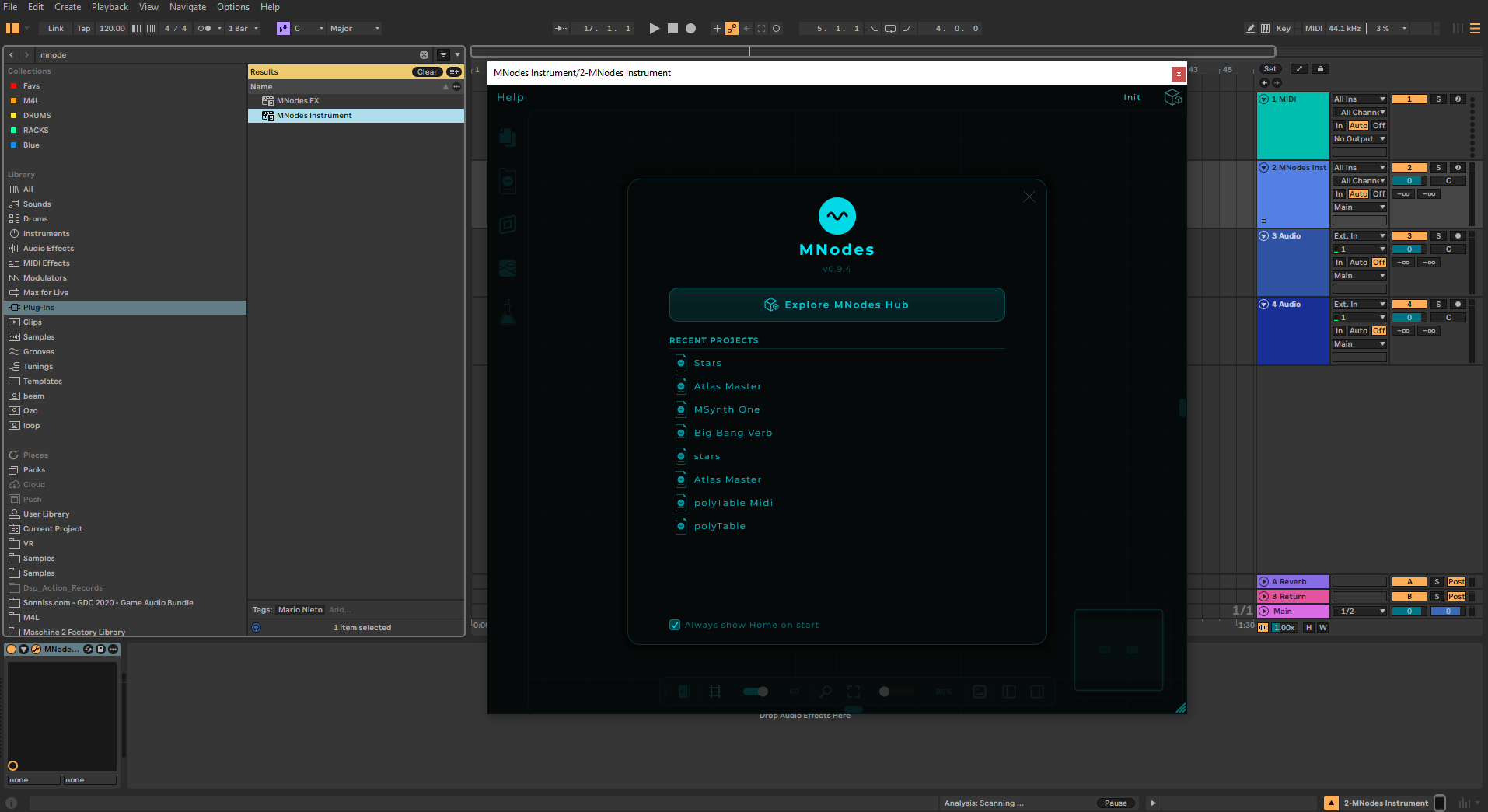
Supported Formats
| Format | Platform | Variants |
|---|---|---|
| VST3 | Windows, macOS | FX (audio in/out) and Instrument (accepts MIDI, outputs audio and MIDI) |
| AU (Audio Unit) | macOS | Instrument, FX, and MIDI FX (MIDI in/out, Logic Pro's format for MIDI effects) |
| Standalone app | Windows, macOS | Runs without a DAW; configure devices in MNodes Settings |
CV and Data are internal MNodes connections. They do not become ordinary host audio/MIDI ports just because the project is running as a plugin.
Loading in Your DAW
- Ensure MNodes is installed in your plugin directory
- Scan for new plugins in your DAW
- Insert MNodes on a track choosing the appropriate format:
- Instrument: For synthesizers and instruments that receive MIDI and output audio. Load on a MIDI/instrument track
- FX: For audio processing. Load as an insert effect on an audio track: audio comes in and goes out
- MIDI FX (Logic Pro only): For MIDI processing. Insert as a MIDI effect: receives MIDI and outputs MIDI. Use this for arpeggiators, chord generators, MIDI routing, and other MIDI transformations
Audio I/O
MNodes receives and sends audio through the Audio In and Audio Out nodes:
- Audio In: Receives audio from the DAW track input
- Audio Out: Sends processed audio back to the DAW
First instrument track
- Insert MNodes Instrument on a MIDI/instrument track.
- Route your keyboard or a short MIDI clip to that track. Enable the host's input monitoring/record arm as needed for live playing.
- Load the first MIDI synth. Its MIDI In receives the track's notes; MIDI To CV, Saw, Envelope and Volume turn them into sound.
- Check that the patch reaches Audio Out, then play the clip. Both the MNodes output and the DAW track should show activity.
If the on-screen keyboard plays but your hardware keyboard does not, check the host's MIDI routing before changing the sound graph. For chords made from independent voices, follow Poly Modules.
First audio effect
- Put MNodes FX on a track that already plays audible audio.
- In a new graph, add Audio In, Filter and Audio Out.
- Connect Audio In's first two channel outputs to Filter's In L / In R, then Filter's Out L / Out R to Audio Out's first two channel inputs.
- Play the track and change Filter's Freq. The existing track should become darker or brighter.
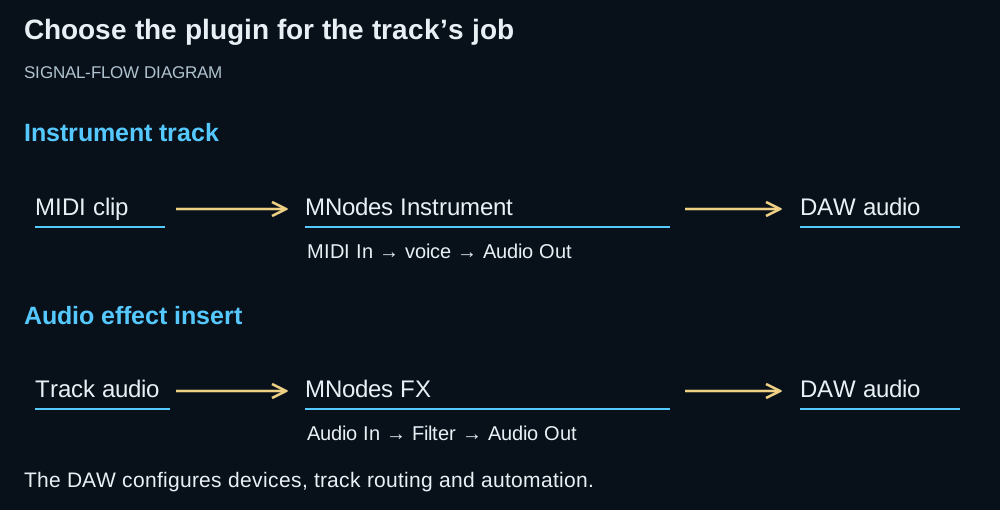
Signal-flow diagram. The host chooses the input and receives the output; the middle section is the patch you build in MNodes.
Device settings and extra channels
Choose the audio device, sample rate, buffer size and track routing in your DAW. Settings → Audio & MIDI belongs to the standalone app.
For multichannel use, the host must provide a compatible bus layout and route the required channels. Set the Channels parameter on Audio In and Audio Out to match the channels the patch uses. Raising a node's channel count alone does not create a host send or track connection.
Transport Sync
MNodes syncs with your DAW's transport:
- Play / Stop state
- BPM (tempo)
- Position (bars, beats)
Use the Transport node to access these values in your patch. On nodes that offer tempo sync, select their Sync mode and musical timing value; a free-running time or rate setting remains independent of host tempo.
When running standalone, MNodes provides its own internal transport with adjustable BPM.
Latency Compensation
Some nodes and hosted plugins need a little time to do their work (a Pitch Shift, an external plugin you host, an oversampled container). When one path through your patch is slower than another and the two meet again, MNodes measures the delay of every path and lines them up automatically, so parallel paths stay in phase. It also reports its total processing delay to your DAW, so the rest of your tracks stay in time with MNodes. This is always on, needs no setup, and adds no cost when there is nothing to compensate. You can check the exact figure in the Graph Stats overlay: its Audio section shows a Latency line with the patch's input-to-output latency in samples and milliseconds, which is exactly what MNodes reports to your DAW.
Multiple Instances
MNodes supports multiple instances on different tracks. Each instance runs independently with its own graph, preset, and automation state.
Save the DAW session to retain its tracks, routing, plugin states and automation. Save a MNodes project as well when you want to reopen the patch in another session or in standalone. Use a collected bundle when moving its samples and images to another computer.
Automate a control
Select a supported control such as Knob, then use Inspector → DAW → Expose to DAW. Choose its named parameter in the host's automation list and record or draw a lane. The Automation guide walks through exposure, recording and playback checks.
Troubleshooting
| Symptom | Check first |
|---|---|
| An instrument produces no notes | MIDI reaches this track and its MNodes instance; the patch has MIDI In and a path to Audio Out |
| An effect produces no sound | Audio reaches the track; Audio In is wired through the effect to Audio Out |
| MIDI processing makes no sound by itself | Route its MIDI output to an instrument; a MIDI effect does not generate audio |
| A tempo-based effect runs at the wrong speed | The node is in Sync mode and receiving the expected host tempo |
| One plugin instance behaves differently | Check that instance's project, input routing and automation lanes |
| Notes play but chords do not | Check whether the patch is monophonic; use a Poly Module for independent voices |
Tips
- Use Audio In + Audio Out for effects processing on audio tracks
- Use MIDI In for instrument patches on MIDI/instrument tracks
- Freeze or bounce tracks with complex patches to reduce CPU load
- Save frequently: your DAW's own preset management works alongside MNodes presets